
The latest N8N updates focus on improving workflow performance, expanding native integrations, enhancing security and simplifying automation management.
Recent releases introduce faster execution, improved error handling, new nodes for popular SaaS tools and better credential management.
These updates are designed to support scalable, production ready automation for both self hosted and cloud users.
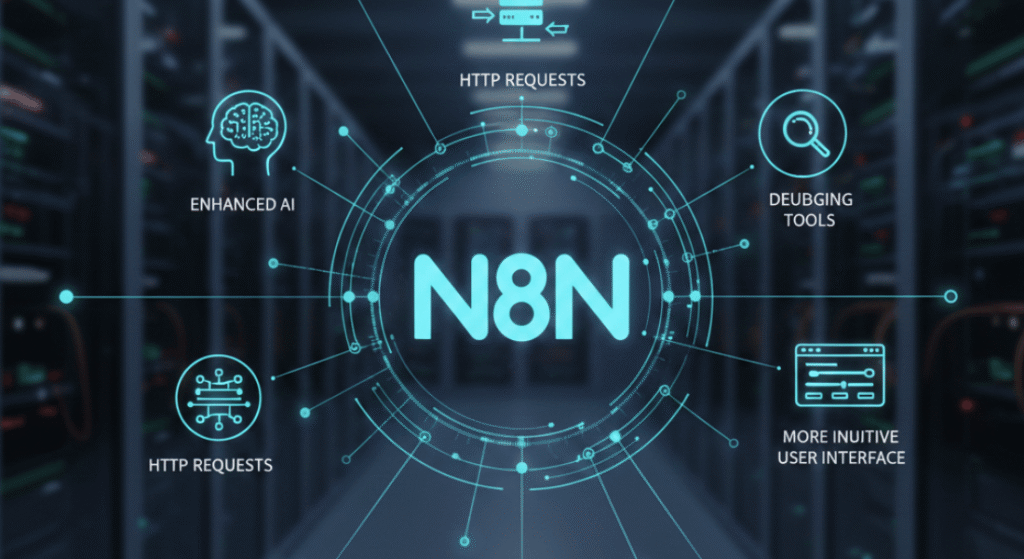
Recent N8N releases include new automation nodes, enhanced AI and HTTP request handling, improved workflow debugging tools and a more intuitive user interface.
Updates also add better logging, retry logic and conditional execution options, making workflows more reliable and easier to manage for complex automation scenarios.
Existing workflows benefit from improved stability, optimized node execution and reduced failure rates.
Many updates focus on maintaining backward compatibility while refining how data is processed between nodes.
Deprecated features are clearly documented, allowing users to migrate workflows safely without unexpected disruptions.
N8N updates are critical because they directly impact automation reliability, security and long-term scalability.
Staying updated ensures workflows continue to function efficiently, integrate with evolving API and comply with modern security standards.
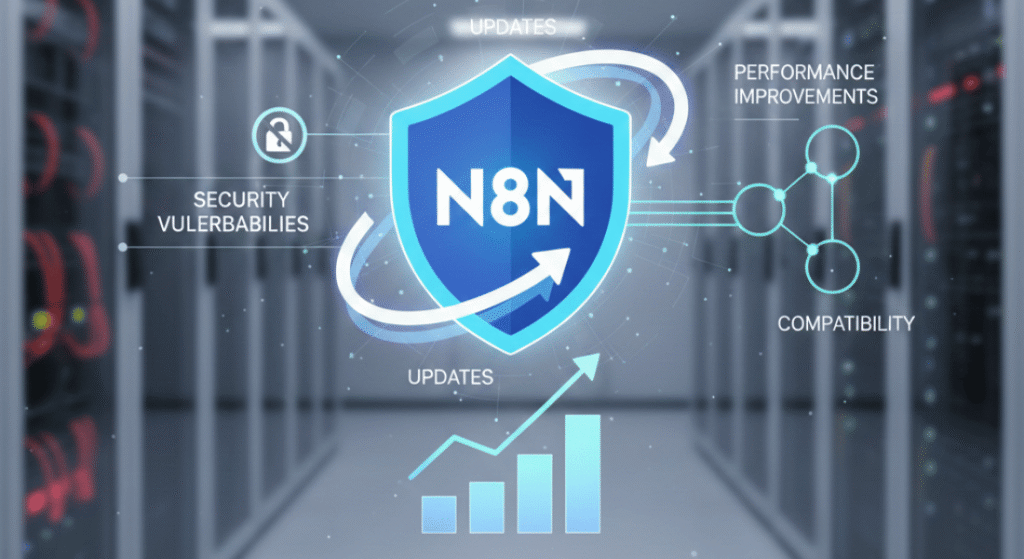
Businesses should keep N8N updated to protect against security vulnerabilities, benefit from performance improvements and maintain compatibility with third party services.
Regular updates reduce downtime, prevent automation failures and help organizations scale operations without increasing manual workload.
Developers value N8N updates because they introduce advanced customization options, improved APIs and enhanced logic controls.
These improvements allow engineers to build more flexible, maintainable and high performance workflows while reducing technical debt over time.
N8N updates enhance automation by optimizing execution speed, strengthening data handling and improving system resilience.
Security enhancements ensure workflows meet enterprise grade standards for data protection and access control.
Recent updates optimize the execution engine, reduce memory consumption and improve parallel processing.
This results in faster workflow execution, fewer runtime errors and better handling of large data volumes, making N8N suitable for high scale automation environments.
N8N addresses security through encrypted credential storage, improved authentication mechanisms and regular vulnerability patches.
Updates align with data protection best practices such as GDPR compliance, ensuring sensitive business data remains secure across automated workflows.
The latest version of N8N is ideal for teams that rely on automation for efficiency, accuracy and scalability.
It is particularly beneficial for users who integrate multiple tools and require stable, secure workflow execution.
SaaS companies, e-commerce businesses, automation consultants and enterprise IT teams benefit the most.
Frequent updates allow these users to leverage new integrations, maintain API compatibility and continuously optimize operational workflows.
Organizations running mission critical or highly customized workflows should test updates in a staging environment before deploying them to production.
Regulated industries may also require validation to ensure updates align with internal compliance requirements.
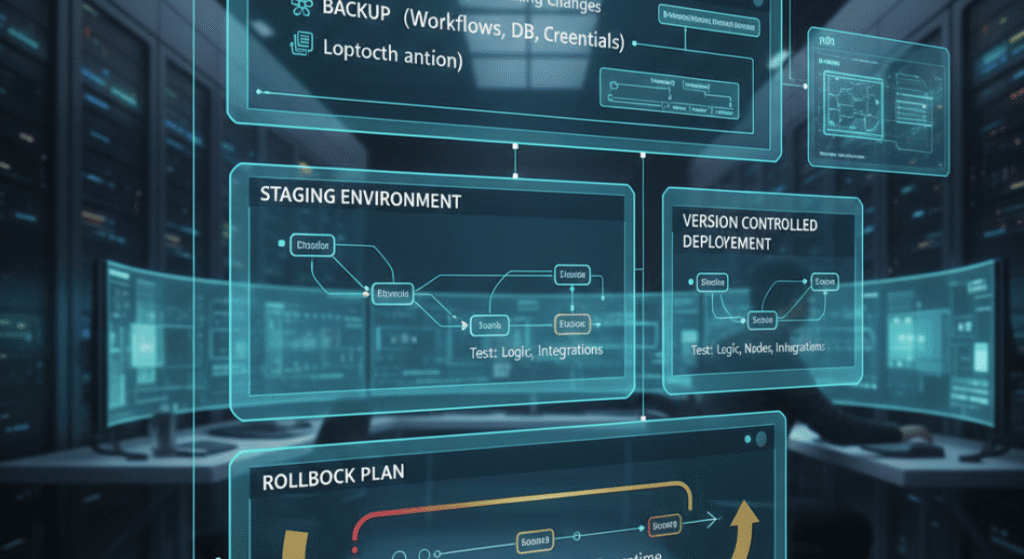
Upgrading n8n safely requires careful preparation, testing and rollback planning to ensure workflows remain stable and secure.
Start by reviewing release notes, identifying breaking changes and backing up workflows, credentials and databases.
Test updates in a staging environment to verify workflow logic, node behavior and integration compatibility.
Maintain version controlled deployments and clear rollback procedures to quickly restore stability if issues arise, minimizing downtime and operational risks.
To ensure a seamless transition, users must back up all workflows and credentials before updating.
It is vital to meticulously review official release notes for breaking changes and execute comprehensive testing within a dedicated staging environment.
This proactive preparation effectively identifies underlying compatibility issues, mitigates technical risks and prevents unexpected workflow failures that could otherwise disrupt critical production operations.
Rollback is possible by reverting to a previous version using Docker tags, backups or version control systems.
Maintaining workflow exports and configuration snapshots ensures rapid recovery if an update introduces instability.
N8N maintains a transparent release history that documents feature additions, improvements, and deprecations.
Reviewing version differences helps users choose the most suitable release for their automation needs.
Recent versions introduce better AI integrations, improved node reliability, enhanced UI performance and expanded native app support.
Deprecated features are replaced with more efficient and scalable alternatives.
N8N releases updates frequently, often on a monthly or bi-weekly basis. This rapid release cycle ensures continuous innovation while providing detailed documentation for smooth upgrades.
Industry experts recognize N8N as a powerful open source automation platform that continues to evolve rapidly.
Its update strategy reflects growing demand for flexible, developer friendly automation tools.
Experts highlight N8N’s focus on scalability, AI driven automation, and enterprise readiness. The roadmap emphasizes performance optimization, expanded integrations and improved developer experience.
Compared to Zapier and Make, N8N offers greater flexibility, deeper customization and cost efficiency through self hosting.
Updates strengthen N8N’s position as a scalable alternative for advanced automation use cases.
Yes, N8N remains free and open source for self hosted use. Paid plans apply only to N8N Cloud and enterprise support services.
Most updates maintain backward compatibility. However, API changes from third party services may require minor workflow adjustments, which are typically documented in release notes.
Yes, automatic updates can be disabled in self-hosted environments. This allows teams to control when and how updates are applied.
Monitoring and applying N8N updates is essential for maintaining efficient, secure and future proof automation systems.
Regular updates reduce technical risk, enhance performance and ensure businesses remain competitive in an increasingly automated digital environment.